Image to WebP Free: Smaller Images for the Web
Convert JPEG and PNG images to WebP right in your browser: typically 25-35% smaller at the same visual quality, transparency included. No upload, no signup.
Convert your images to WebP
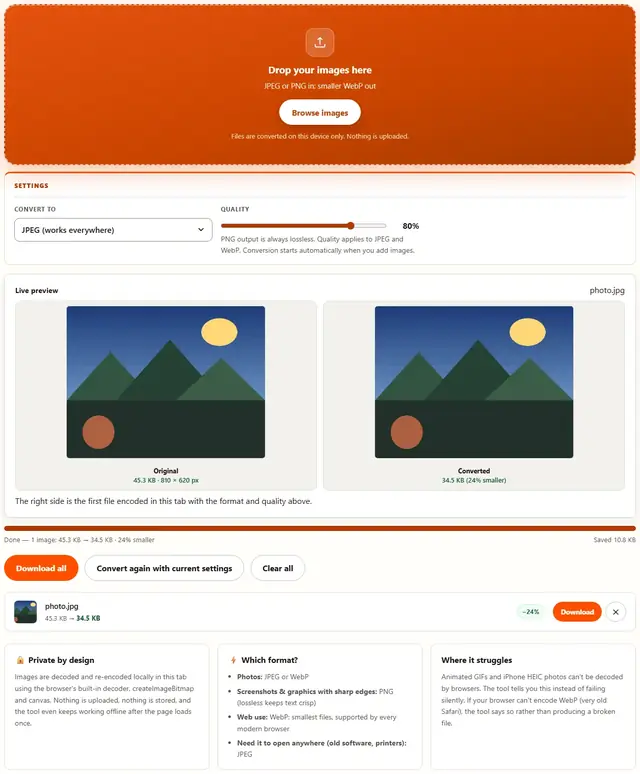
Drop your images here
JPEG or PNG in: smaller WebP out
Files are converted on this device only. Nothing is uploaded.
PNG output is always lossless. Quality applies to JPEG and WebP. Conversion starts automatically when you add images.
The right side is the first file encoded in this tab with the format and quality above.
Image To WebP — illustrated, step by step
How to convert an image to WebP
Three steps, about ten seconds, no technical skills needed.
Add your images
Drag JPEG or PNG files onto the dropzone, or click to browse. They convert one after another as a batch.
WebP is preselected
Output is locked to WebP at 85% quality: the sweet spot between size and fidelity. The slider stays available for finer control.
Download the WebPs
Each row shows bytes saved versus the original. Download one file or all converted WebPs at once.
WebP is the quiet upgrade hiding in your images
Every photo you upload to the web today was probably converted to WebP the moment a CDN touched it — because WebP is smaller than JPEG at the same quality and smaller than PNG at the same pixels. Doing the conversion yourself, before upload, skips one round of re-encoding and keeps you in control of quality.
Why convert:
- Page speed. A 1.2 MB JPEG becomes a 800 KB WebP at the same visual quality. Multiply that by every image on a page, and Core Web Vitals stops being an argument.
- Quality control. CDN converters use fixed settings; converters here let you decide. Quality 75 WebP is visually indistinguishable from quality 80 JPEG at a third of the bytes.
- Transparency without PNG bulk. WebP supports alpha — logos and overlays get small and transparent.
Converting TO WebP means future-proofing. Every modern browser since ~2018 decodes it. The only real holdouts are old MS Office flows and industrial apps that were never updated — and even those have workarounds (convert back with WebP to JPEG when needed).
Lossy or lossless? For photos, lossy at 75–80. For flat art that must stay pixel-perfect, lossless WebP — it's usually smaller than the PNG you started with.
Why convert in the browser?
Because there is no upload step, conversion here is safe for confidential documents, client work and personal photos. The files never leave the device you're sitting at. It also works offline once the page has loaded, and a whole folder of images can be converted and downloaded in one go. Details in our file-handling policy.
Image to WebP: FAQ
Can every device open WebP?
Every modern browser can: Chrome, Firefox, Safari and Edge have supported WebP for years. Very old software and some Windows photo viewers may not, so convert back to JPEG with Image to JPEG when the recipient runs legacy tools.
Does WebP keep transparency?
Yes: WebP supports alpha channels, so PNG sources with transparency convert without losing it. JPEG sources have no transparency to preserve.
How much smaller is WebP than JPEG?
Typically 25-35% smaller at equivalent visual quality, and often 50%+ smaller than PNG on photographic content, because the encoder predicts similar pixels with modern tools.
Are my files uploaded?
No. Conversion happens in this browser tab with the Canvas API. Nothing is sent anywhere, and the tool keeps working offline once loaded.
WebP for the web: smaller files, same look
WebP uses two techniques JPEG lacks: 8x8 block prediction (guessing pixel values from neighbors before encoding what's left) and a modern entropy coder. The result is measurably smaller bytes for the same perceived quality, which is why every major browser and CDN supports it and why page-speed tools push you toward it.
Conversion here re-encodes from the decoded pixels, so a JPEG source converts at whatever quality you set: 85% is the default sweet spot. PNG screenshots benefit doubly: WebP's predictive coding handles flat colors and sharp text efficiently, often beating PNG's own compression while keeping transparency.
Also shrinking images?
The Image Compressor handles JPEG, PNG and WebP with a live quality slider: same privacy, same speed.
Open Image Compressor